

IRIS
Videos Automatically
Synchronized
The compact adapter turns any DSLR or video camera into a precise analysis tool. Automatic synchronization with timing and GPS data — without manual post-processing.
IRIS
Video analysis made easy
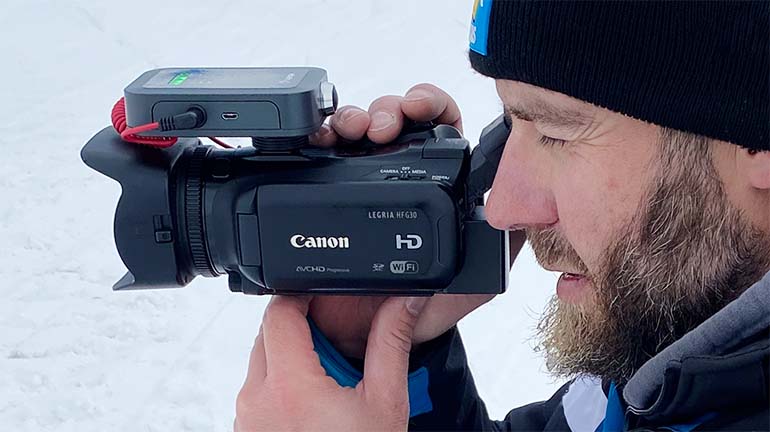
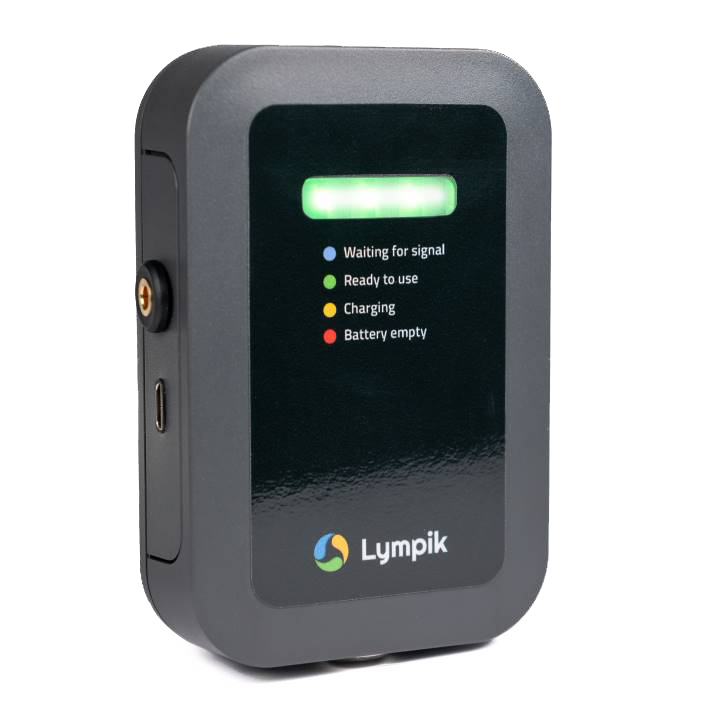
IRIS was developed to turn training videos into precise analysis tools without extra effort: simple mounting on any DSLR or video camera, an integrated GPS module and automatic synchronization with the Lympik web app. Timestamps are encoded frame-accurately onto the audio track, runs are automatically assigned to athletes and immediately available for analysis.

Compatibility:
Works with any DSLR or video camera with a microphone input

Analysis:
Automatic assignment of athletes & motion data

Highest measurement accuracy:
Precise timestamp per frame

Easy operation:
Switch on and go
specs
Measurement accuracy
0.01 s
GPS Module
Integrated
Mounting
1/4-inch screw or cold-shoe adapter
Camera Connection
Audio cable (microphone input)
Battery Life
10 hours
Weather Resistant
IP44
dimensions
10.1 × 6.8 × 3.8 cm
weight
140 g
Compatible Video Formats
MP4 (all browsers), MOV (Chrome)
Status LED
Blue = GPS search, Green = GPS fix
Software
Lympik
Audio channels
Left channel: timecode, right channel: microphone
Why IRIS?
Training videos without time reference are hard to evaluate. When exactly does the athlete lose time? In which section? Without a precise timestamp in the video, the analysis remains guesswork. IRIS solves this: The adapter encodes a highly precise timestamp directly onto your camera's audio track — frame by frame. The Lympik Web-App automatically reads this timestamp, cuts the videos, assigns them to the correct athlete, and synchronizes everything with timing and GPS data.
No manual cutting. No searching for file names and tedious manual assignment. No post-processing.
No manual cutting. No searching for file names and tedious manual assignment. No post-processing.

Precise timestamp per frame
Automatic athlete assignment
Synchronized with CHRONOS & OCULUS
Easy to use
Mounting & Setup
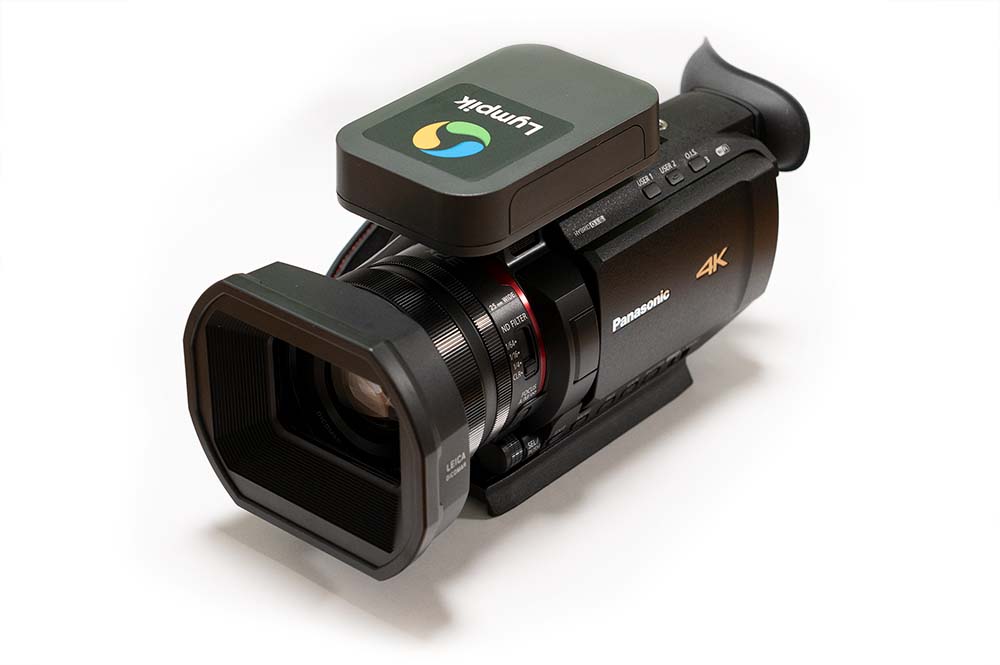
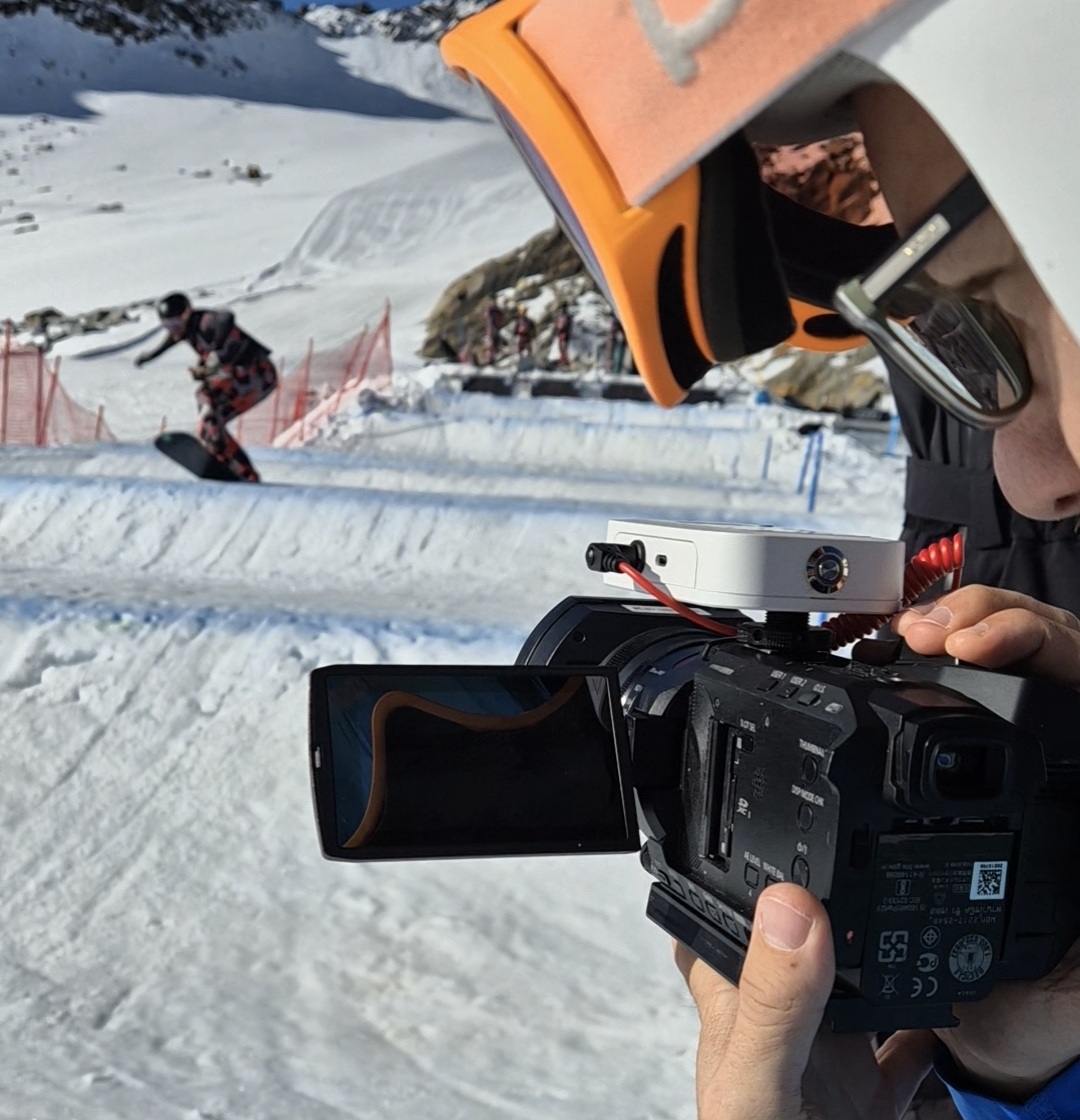
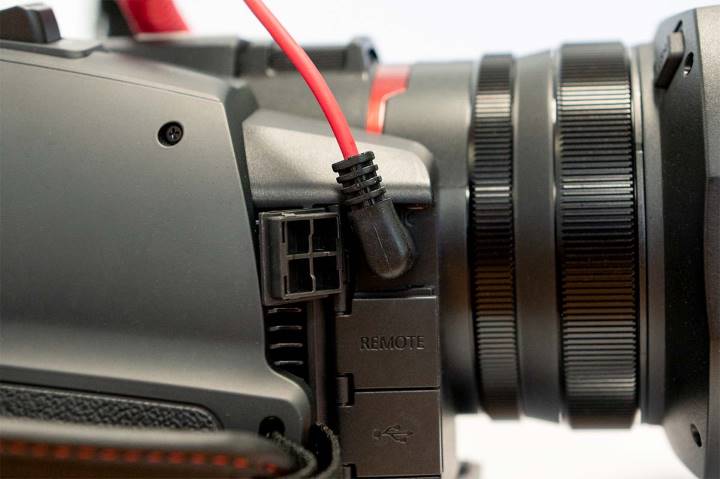
IRIS can be mounted on any common DSLR or video camera — either via the 1/4-inch thread of the tripod mount or with a cold-shoe adapter. No tools, no modifications.
Step 1 — Mount: Attach or screw IRIS onto the camera. Connect the audio cable to the camera's microphone input.
Step 2 — Wait for GPS fix: Switch on IRIS. The LED flashes blue until the GPS signal is found. Once it lights up green, the device is ready.
Step 3 — Record: Operate the camera as usual. IRIS runs in the background and encodes each frame with a precise timestamp.
Step 1 — Mount: Attach or screw IRIS onto the camera. Connect the audio cable to the camera's microphone input.
Step 2 — Wait for GPS fix: Switch on IRIS. The LED flashes blue until the GPS signal is found. Once it lights up green, the device is ready.
Step 3 — Record: Operate the camera as usual. IRIS runs in the background and encodes each frame with a precise timestamp.
Easy to use
Automatic assignment
Precise timestamp per frame
No post-processing
Automatic Time Synchronization
IRIS encodes a highly precise timestamp directly onto the left audio channel of your camera. The normal microphone can be heard on the right channel. After training: Upload videos from the SD card to the Lympik Web-App. The app decodes the timestamp from the audio track, automatically cuts the videos, and assigns each run to the correct athlete. The timecode is filtered out of the video, only the microphone can be heard.
Third-party compatibility
Time synchronization
Examples with IRIS



Works with
Timing Training
Cloud software for training
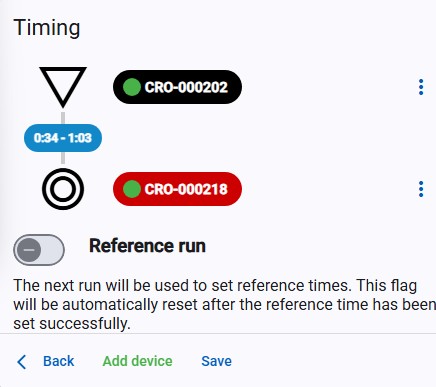
The Lympik web app has its own training module: easy to configure, right in the browser. Set up the course in minutes – start, finish and any number of split times. Athletes identify themselves via NFC chip, ski pass or bib number; every time is automatically assigned to the right profile. Sector analysis, rankings and the complete training history are available instantly. Results can be shared via link, WhatsApp or QR code and exported to Excel.
Motion Analysis
Cloud Software for Motion Data
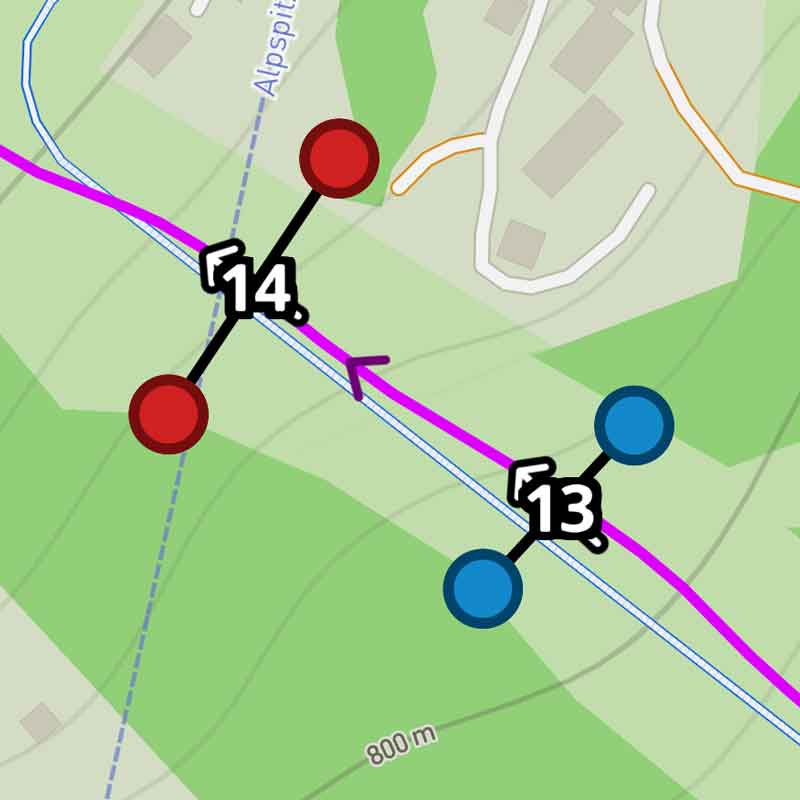
It combines powerful sport-specific analytics with exceptional ease of use and enables coaches to gain detailed insights with just a few clicks. Predefined and customizable templates ensure consistent, comparable results across all training sessions and automatically process key figures such as speed, acceleration and split times. The result: professional-level performance analyses that are simple and efficient and are suitable for daily use in training.
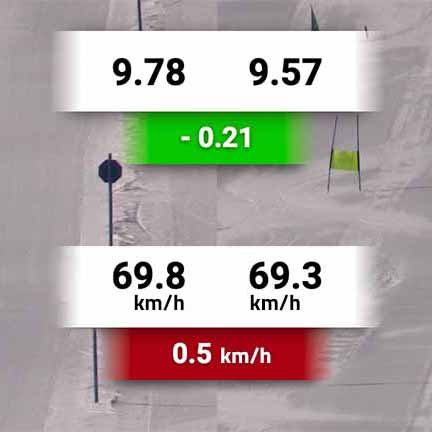
Video Analysis
Cloud Software for Video Analysis
It combines synchronized video recordings and performance data to make technical details visible and measurable in every movement. Trainers can review scenes frame by frame, compare athletes side by side and display important key figures such as speed or split times directly into the video. The result is clearer feedback, faster corrections, and more effective, data-driven training.
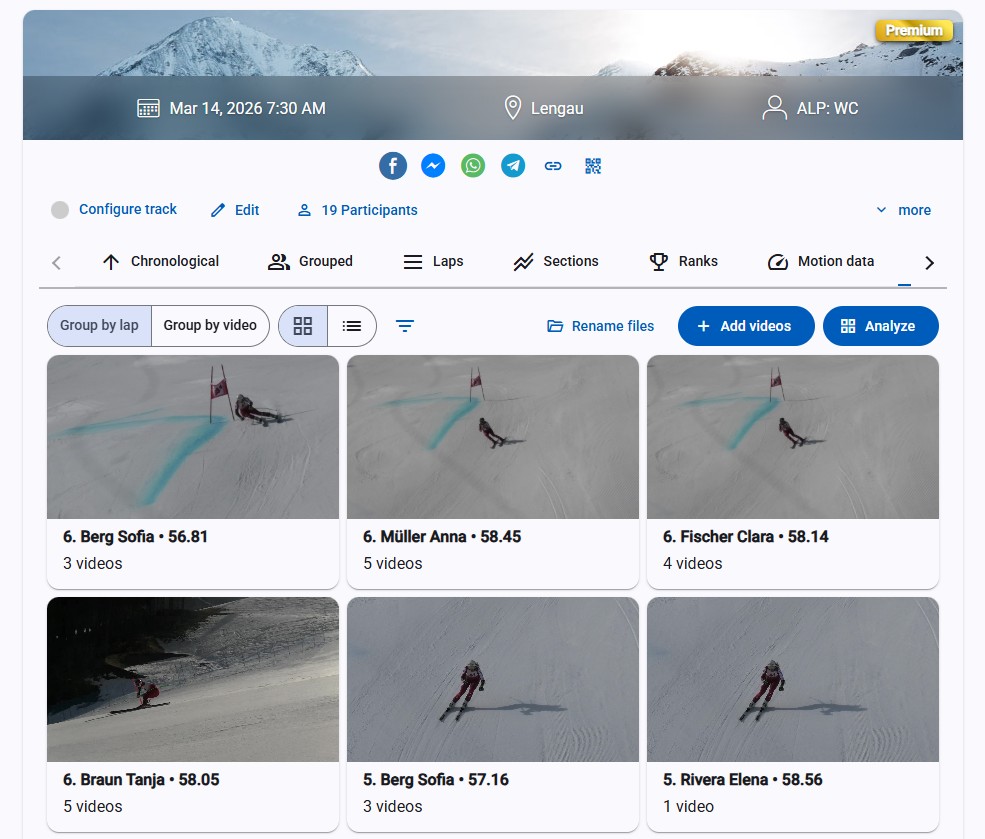
More than video analysis
IRIS unfolds its full potential in combination with Lympik solutions for motion tracking and timing. By synchronizing precise time data with speed, motion, and video information, every run becomes analyzable in full performance context. Together, timing, tracking, and video analysis form a powerful, fully integrated system — for comprehensive performance analysis from the first impulse to the finest detail.